Online VAT Calculator UK – Easy Guide to Add & Remove VAT (Step-by-Step)
Online VAT Calculator UK – Complete Beginner Guide
Confused about how VAT works in the UK? Not sure how to add or remove VAT from prices? This guide will explain everything in a simple way.
Introduction
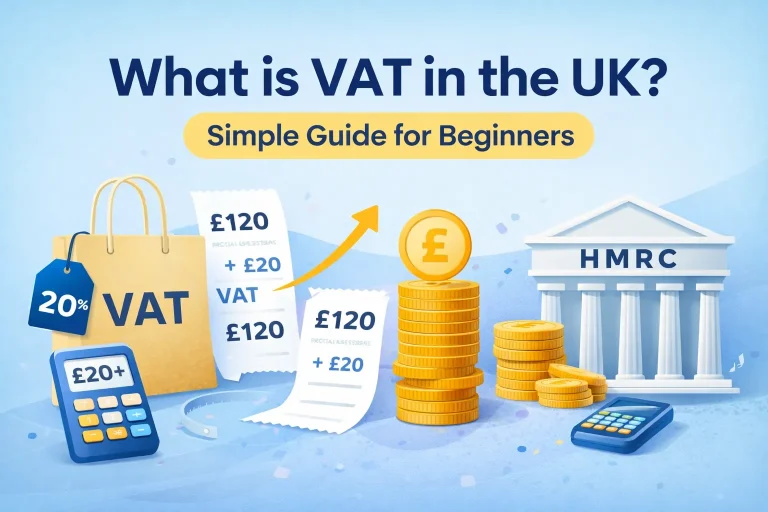
If you live or do business in the UK, you will often deal with VAT. VAT stands for Value Added Tax, and it is added to most goods and services.
For beginners, VAT can feel confusing because sometimes prices include tax and sometimes they don’t. That’s why many people use an Online VAT Calculator UK to get quick and accurate results without doing manual calculations.
What Is a VAT Calculator?
A VAT calculator is a simple tool that helps you calculate VAT in seconds. Instead of doing the math yourself, you just enter a price, and the tool shows you the VAT amount and the final price.
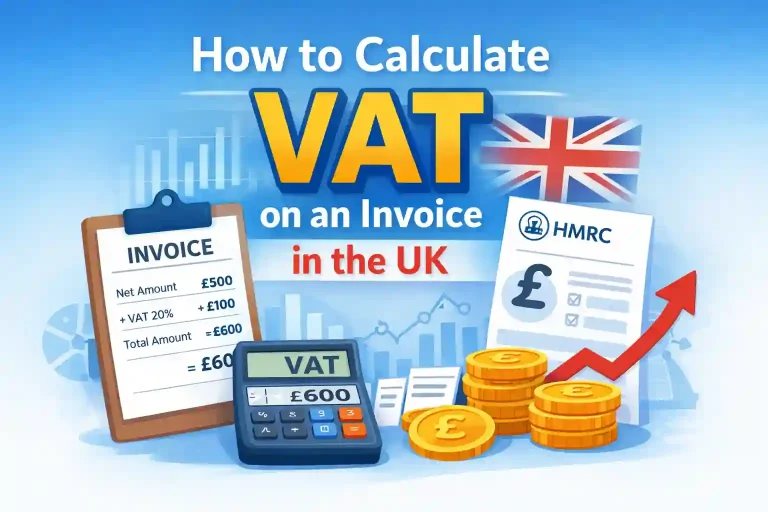
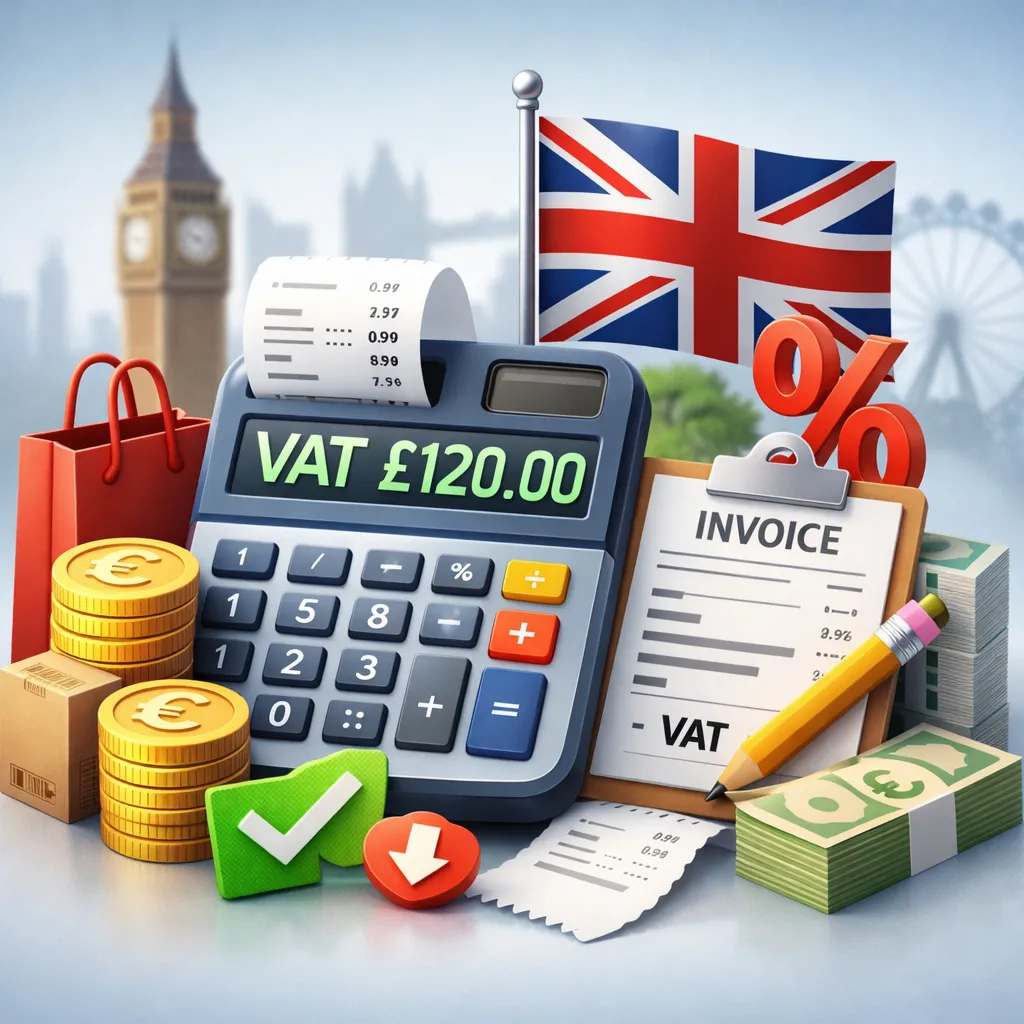
For example, let’s say a product costs £100 and you want to add VAT at 20%. The calculator will instantly show:
- VAT amount = £20
- Total price = £120
This saves time and helps you avoid mistakes.
People use VAT calculators for:
- Business invoices
- Online selling
- Shopping calculations
- Tax reporting
In simple terms, it makes VAT much easier.
How to Add VAT (Step-by-Step)
Adding VAT means increasing the price by a percentage. In the UK, the standard VAT rate is 20%.
Let’s understand this step by step. Step 1, know the original price, which is the price before VAT, for example £100. Step 2, know the VAT rate, which is most commonly 20% in the UK. Step 3, calculate the VAT amount by multiplying the price by the VAT rate, so £100 × 20% = £20. Step 4, add the VAT to the original price, so £100 + £20 = £120. Finally, the total price including VAT becomes £120.
Simple Example
Let’s say you buy a product for £50. The VAT (20%) is £10, so the total price becomes £60.
That’s it. Very simple.
How to Remove VAT (Step-by-Step)
Removing VAT means finding the original price from a VAT-inclusive price. This is also known as reverse VAT calculation.
To remove VAT, follow these steps: Step 1, know the total price, which is the price including VAT, for example £120. Step 2, know the VAT rate, which is usually 20% in the UK. Step 3, use the division method by dividing the total price by 1 plus the VAT rate, so £120 ÷ 1.20 = £100. Step 4, find the VAT amount by subtracting the original price from the total price, so £120 – £100 = £20.
Simple Example
If you paid £60 for an item, the original price is £50 and the VAT is £10. This method is very useful when prices already include VAT.
VAT Rates in the UK
The UK has different VAT rates depending on the type of product or service.
Standard Rate (20%)
This is the most common rate and is used for:
- Electronics
- Clothing
- Most services
Reduced Rate (5%)
This applies to certain items such as:
- Home energy
- Child car seats
Zero Rate (0%)
Some goods have 0% VAT. These include:
- Most food items
- Books and newspapers
- Children’s clothing
Why Different Rates Exist
The government uses different VAT rates to make essential items more affordable. Basic needs often have lower or zero VAT.
VAT Formula (Simple Explanation)
VAT calculations may look difficult at first, but the formula is very simple.
Formula to Add VAT
VAT Amount = Price × (VAT ÷ 100)
Total Price = Price + VAT
Formula to Remove VAT
Original Price = Total Price ÷ (1 + VAT rate)
Easy Way to Remember
- Add VAT → multiply
- Remove VAT → divide
Example
If the price is £200 and VAT is 20%, then the VAT is £40 and the total price becomes £240. These formulas are used in every VAT calculation in the UK.
VAT Calculator Table (Important)
Here are some examples to help you understand better:
| Original Price (£) | VAT Rate | VAT Amount (£) | Total Price (£) |
|---|---|---|---|
| 50 | 20% | 10 | 60 |
| 100 | 20% | 20 | 120 |
| 200 | 20% | 40 | 240 |
| 80 | 5% | 4 | 84 |
| 150 | 0% | 0 | 150 |
How to Use This Table
The first column shows the original price. The third column shows the VAT amount, and the last column shows the final price after adding VAT.
This table makes it easier to understand how VAT works in real situations.
Common Mistakes in VAT Calculation
Many beginners make small mistakes when calculating VAT. Let’s look at the most common ones.
1. Using the Wrong VAT Rate
Some people always use 20%, even when the product has 5% or 0%. Always check the correct VAT rate before calculating.
2. Mixing Up Multiply and Divide
When removing VAT, people sometimes multiply instead of dividing. Remember:
- Add VAT → multiply
- Remove VAT → divide
3. Forgetting VAT Is Already Included
Sometimes prices already include VAT, and if you add VAT again, the final price becomes incorrect.
4. Rounding Errors
Small rounding mistakes can affect totals, especially in business calculations. Always try to keep numbers accurate to two decimal places.
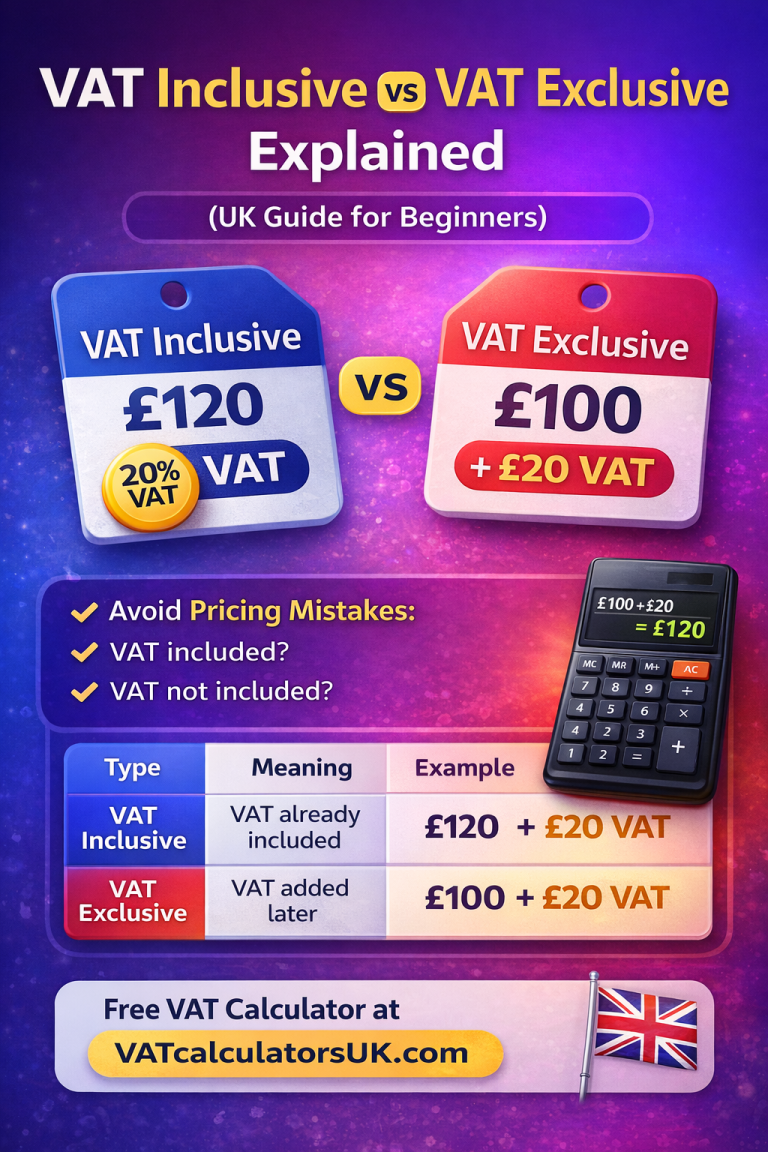
5. Confusion Between Inclusive and Exclusive Prices
Many beginners don’t understand whether VAT is included in the price or not, and this leads to incorrect calculations.
Conclusion
VAT may seem confusing at first, but it becomes much easier once you understand the basics. An Online VAT Calculator UK helps you save time and avoid mistakes, whether you are using it for personal or business purposes.
In this guide, you learned:
- What VAT is
- How to add VAT
- How to remove VAT
- VAT rates in the UK
- Simple formulas and examples
With a little practice, you can calculate VAT easily on your own without using any tool. However, if you want quick and accurate results, using a VAT calculator is always the easiest option.